


Chronicles of Vinland PC Steam CD Key
70 in stock
| Developers | Wonderbox Games |
|---|---|
| Publishers | Wonderbox Games |
| Genres | Casual, Strategy |
| Platform | Steam |
| Languages | Chinese, English, German, Russian |
| Release date | 2018-05-24 |
| Steam | Yes |
| Region | Region free (Global) |
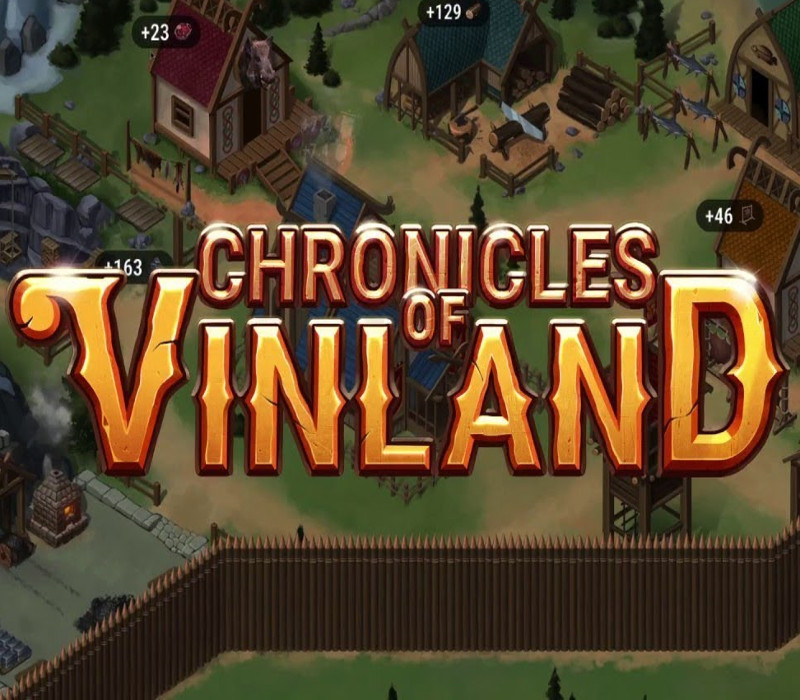
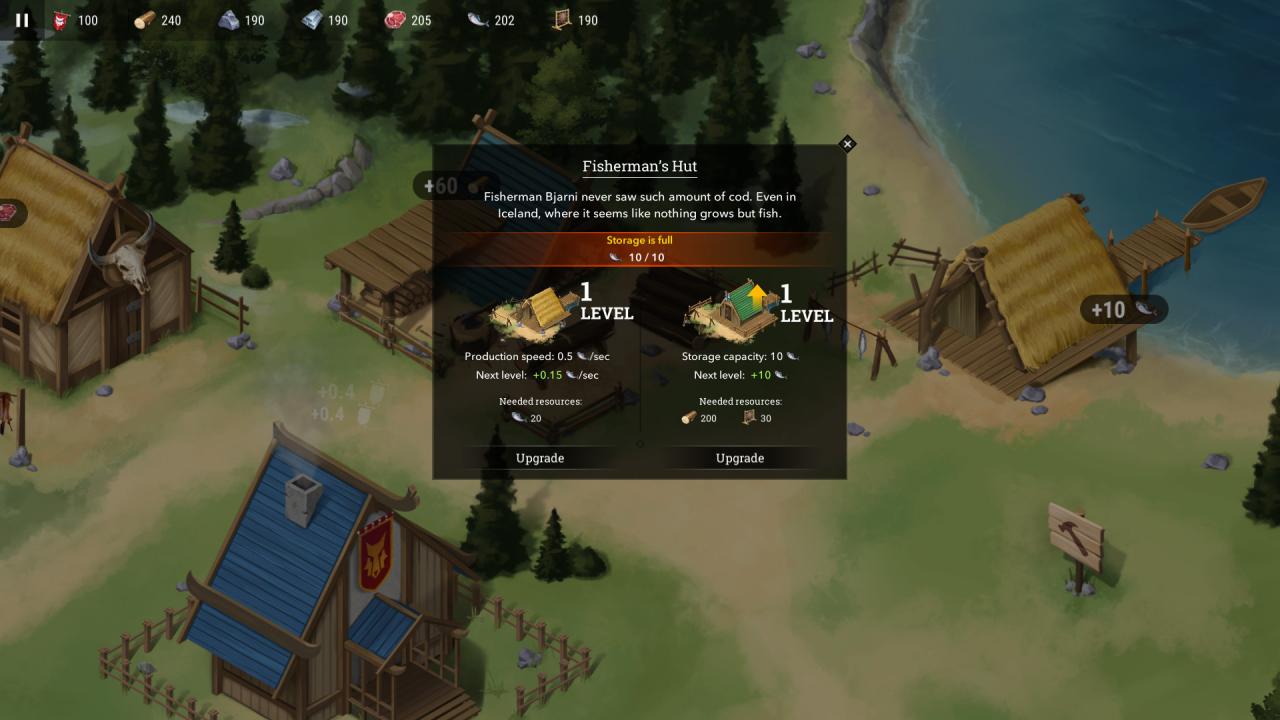
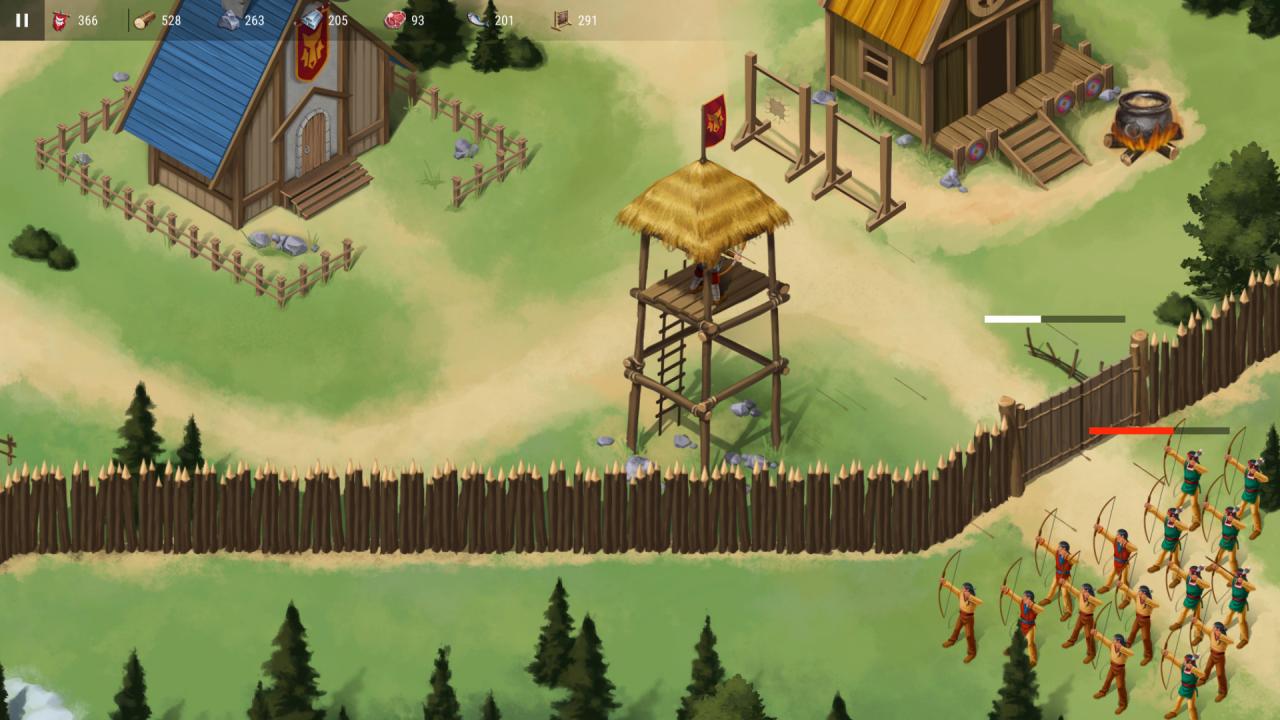
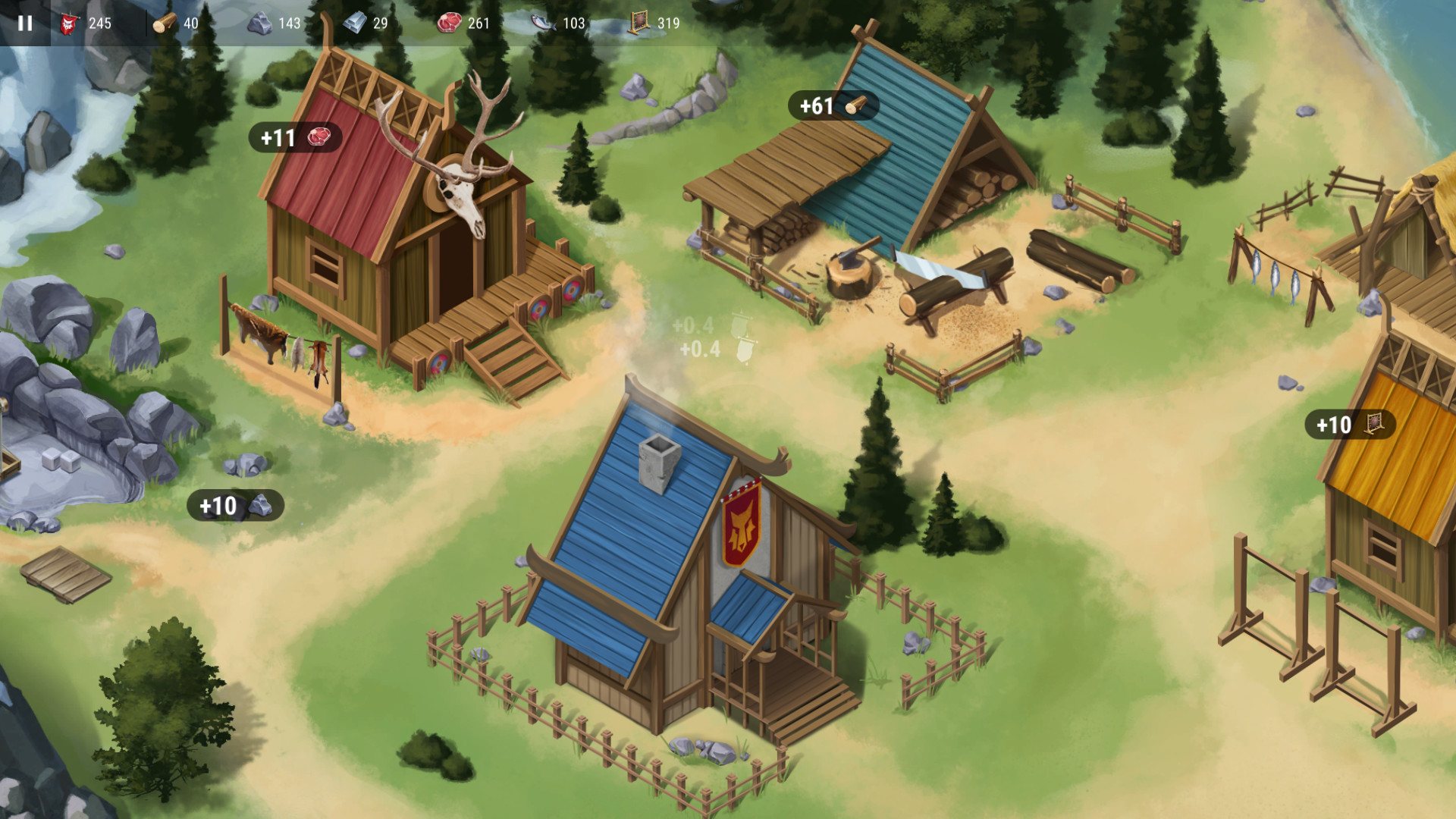
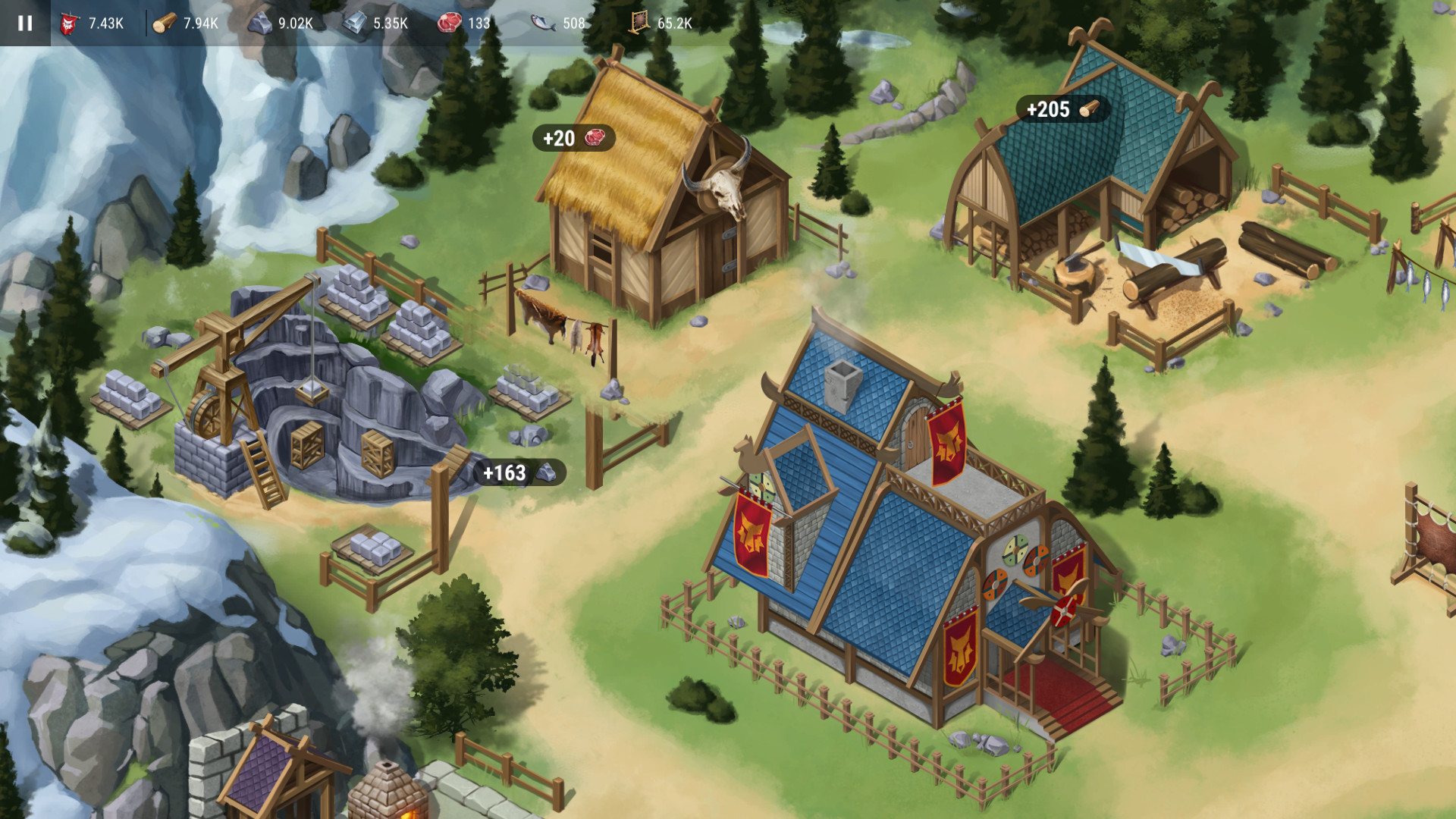
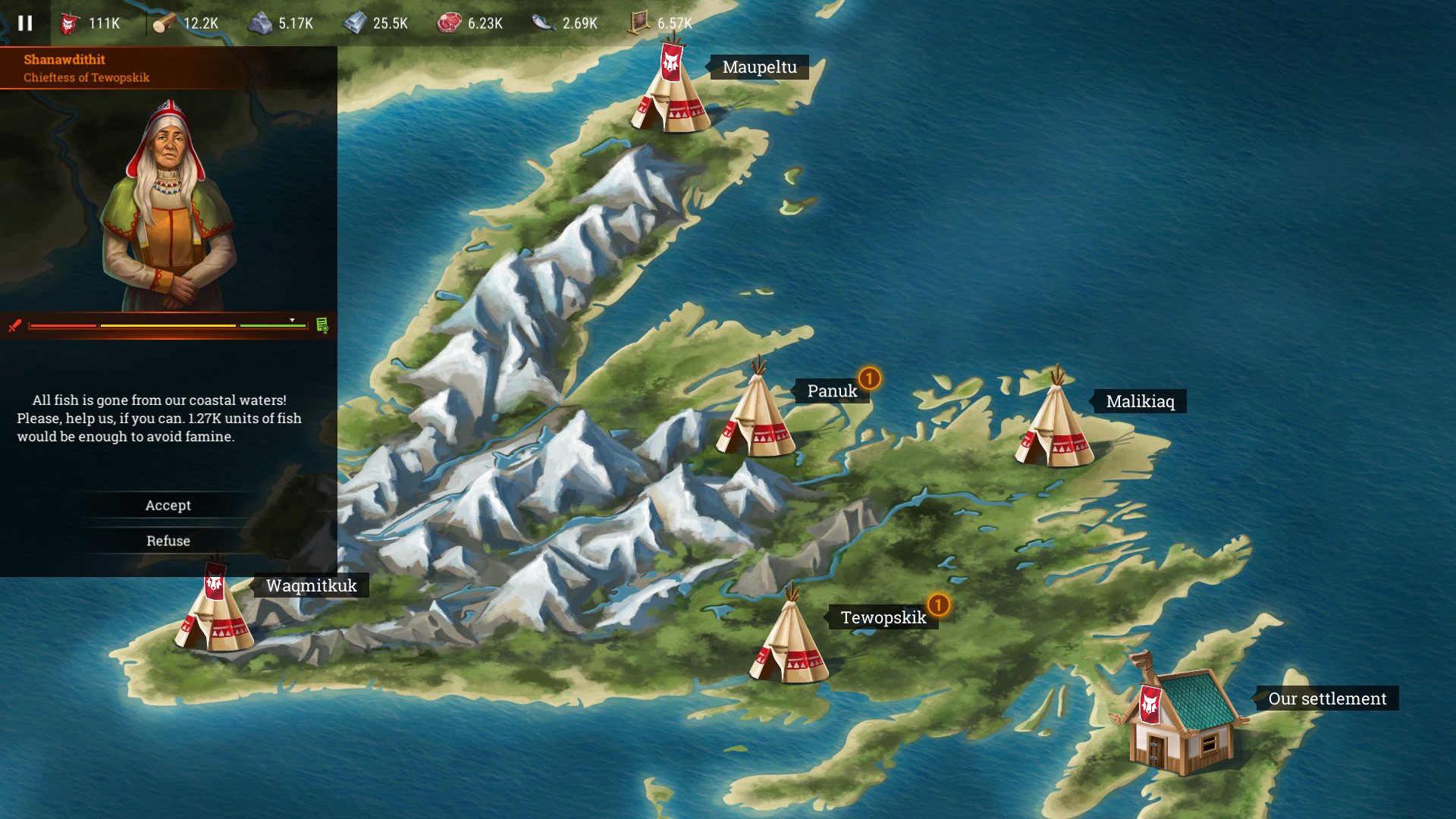
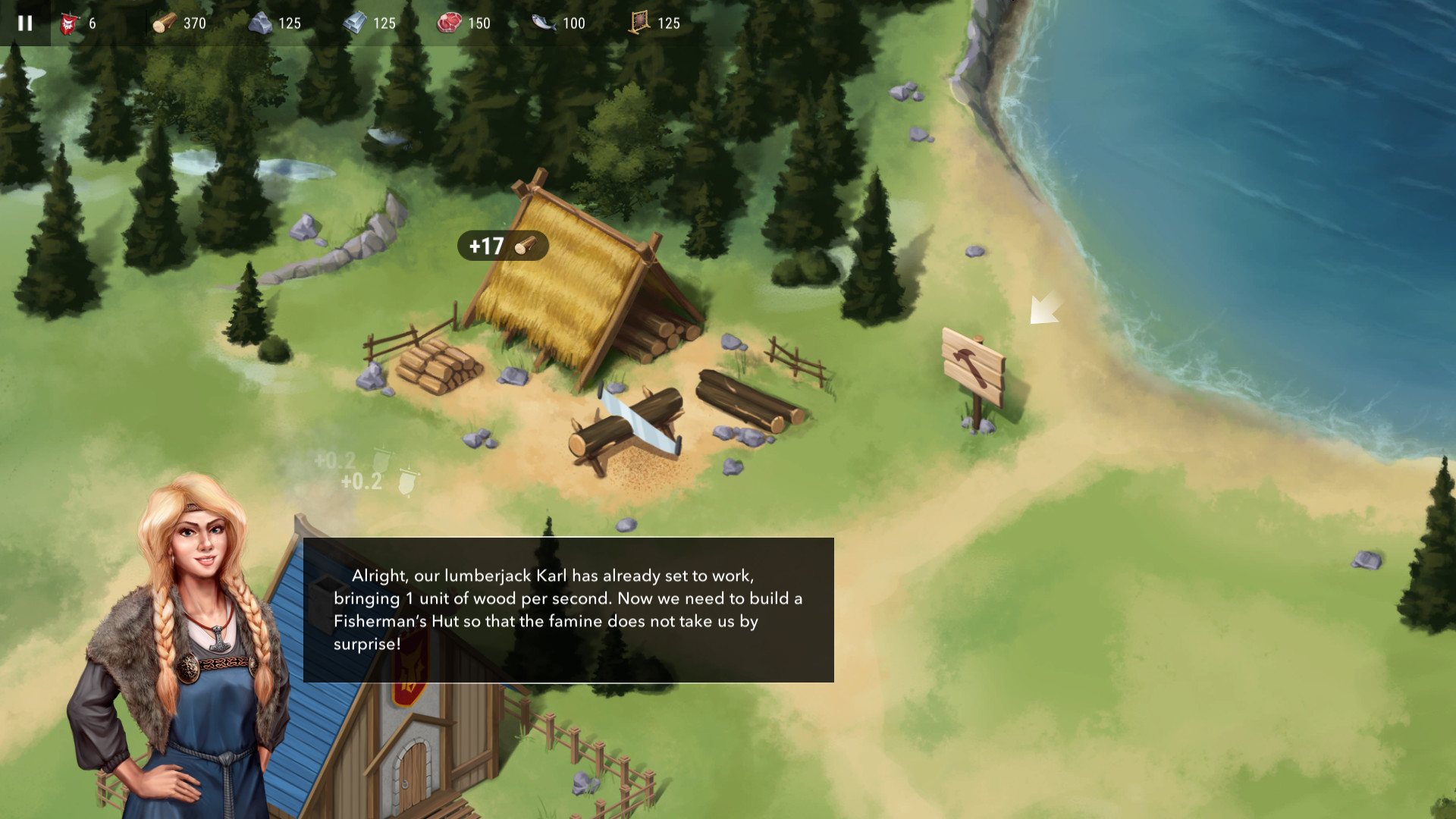
Historically, Norse colonization of the New World was totally brief and unfruitful. But what if they had some more luck? You are a Norse chief, and rather a notorious one. You have been forced to move to Iceland. You had some misunderstandings with local folk there, and eventually, you were exiled to Greenland. But it was too boring for you in that cold wildlands, so you decided to move further! According to the sagas, there was a distant land in the West — Vinland…You gathered three longships and two dozen fair families. One month in the sea had passed away – and here you are! A new land to settle — a new place to call home. Expand and protect your settlement: your goal is to get the highest level of development and influence. Features Build and improve buildings: each building has 2 improvable characteristics – mining speed and storages capacity. Gather resources – you need them to expand your settlement. Gain influence – this is the parameter of your success, which you can get for building and protection – check it in the global rating. Reflect attacks of the Indians that are willing to plunder your stocks: use mechanics of defense for that. Upgrade your fence to withstand more damage, and a watch tower to inflict more damage. Collect necessary resources. Build and upgrade new buildings. Protect your village from enemies. Increase your influence to exceed other players.
Activation
- Go to: http://store.steampowered.com/ and download STEAM client Click "Install Steam" (from the upper right corner) Install and start application, login with your Account name and Password (create one if you don't have).
- Please follow these instructions to activate a new retail purchase on Steam: Launch Steam and log into your Steam account.
- Click the Games Menu.
- Choose Activate a Product on Steam...
- Follow the onscreen instructions to complete the process.
- After successful code verification go to the "MY GAMES" tab and start downloading.
The key is sent to your e-mail and appears in My account → Orders right after payment.
System requirements
- OS
- Windows XP / Vista / 7 / 8 / 10
- Processor
- 2.2 GHz Dual Core
- Memory
- 2 GB RAM
- Graphics
- 512 MB RAM
- Storage
- 130 MB available space
- OS
- Mac OS 10.5 or later
- Processor
- 1.5Ghz
- Memory
- 2 GB RAM
- Graphics
- Graphics card from 2004 or later
- Storage
- 160 MB available space