


Falcon Age EU PC Steam Altergift
5 in stock
| Developers | Outerloop Games |
|---|---|
| Publishers | Outerloop Games |
| Genres | Action, Adventure, Casual, Indie, VR Games |
| Platform | Steam |
| Languages | English, French, German, Spanish |
| Release date | 2020-10-08 |
| Steam | Yes |
| Age rating | PEGI 12 |
| Region | Europe (EU) |
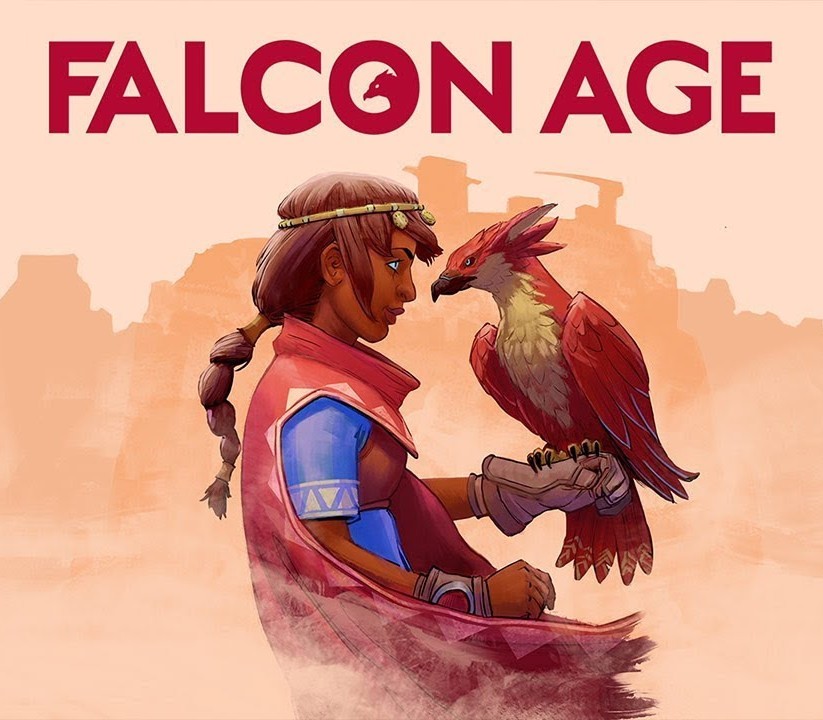
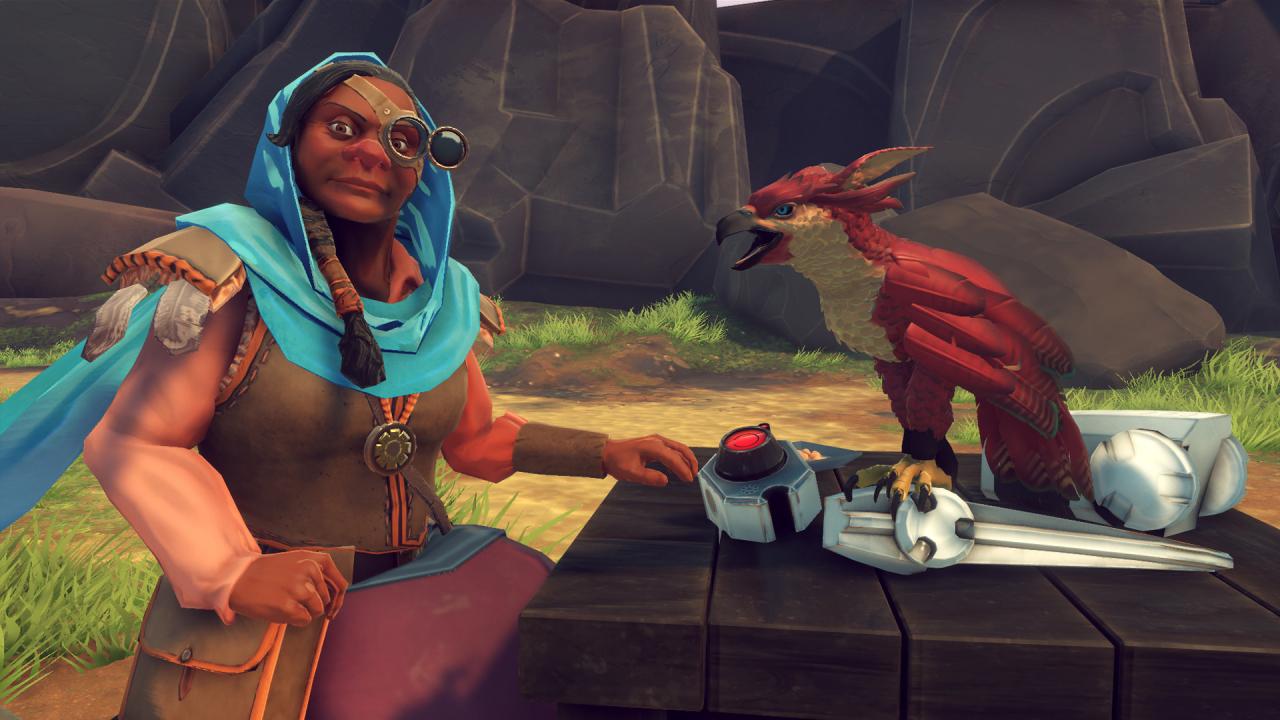
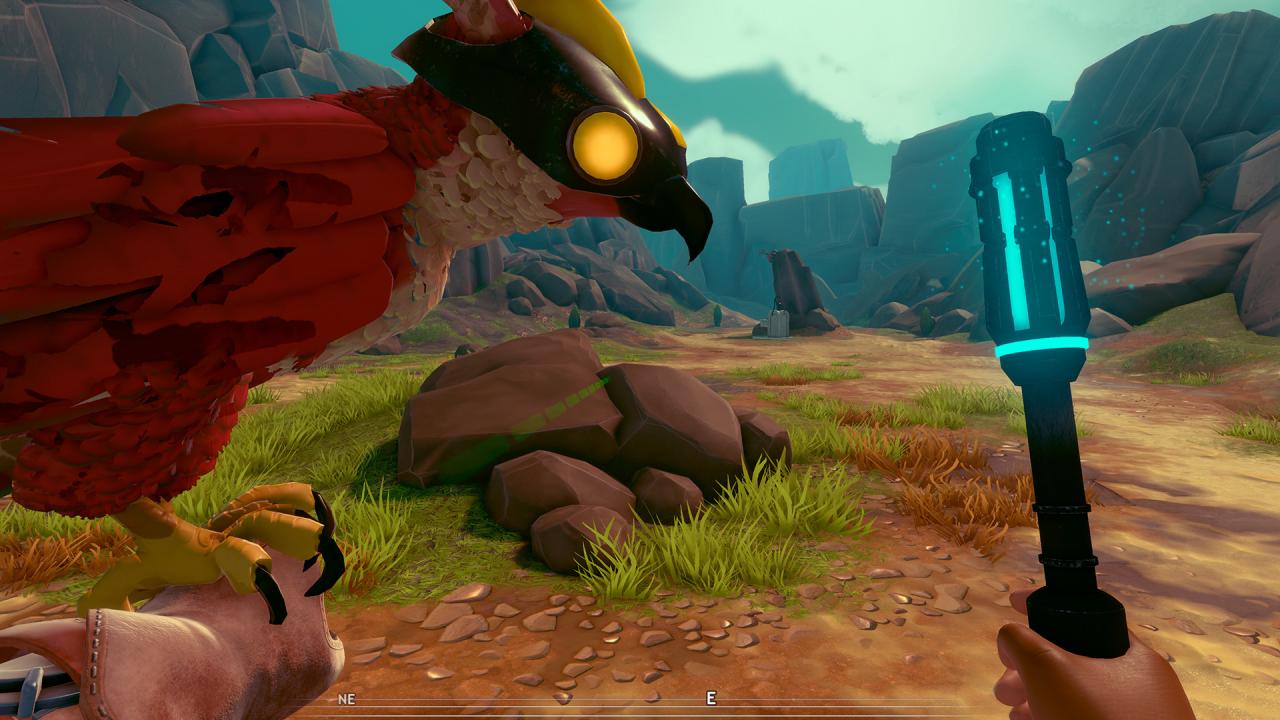
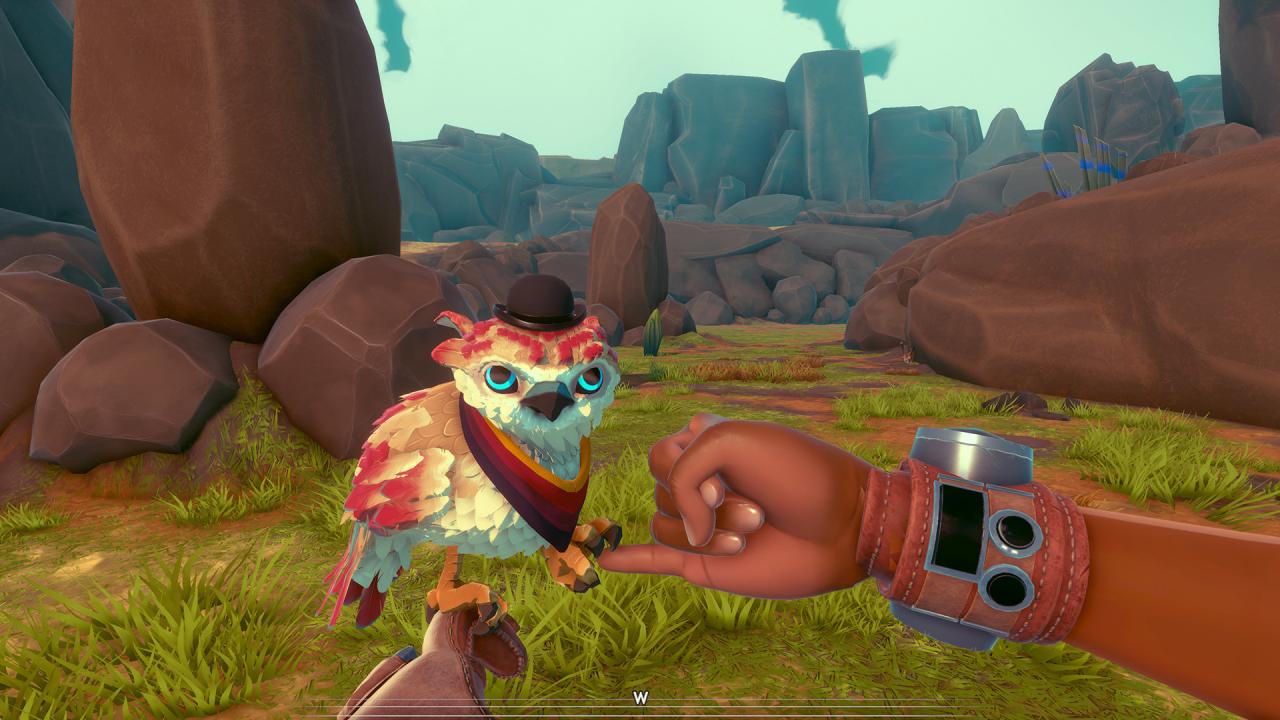
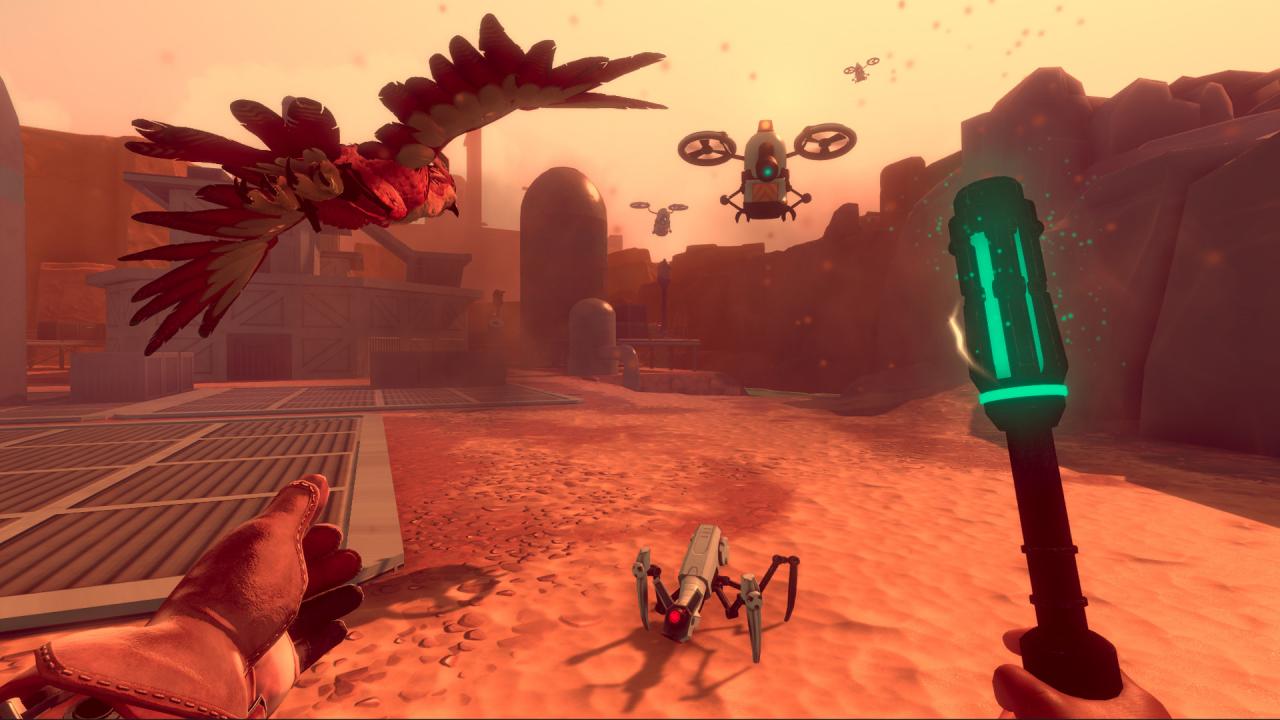
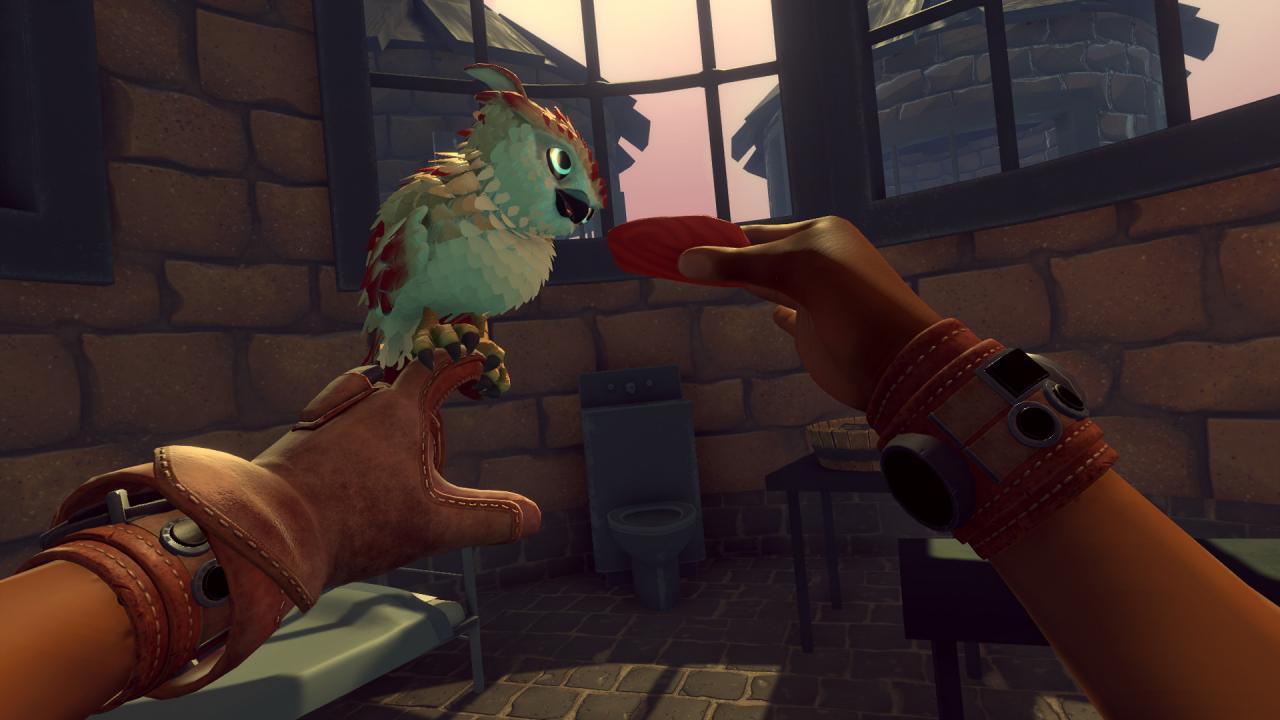
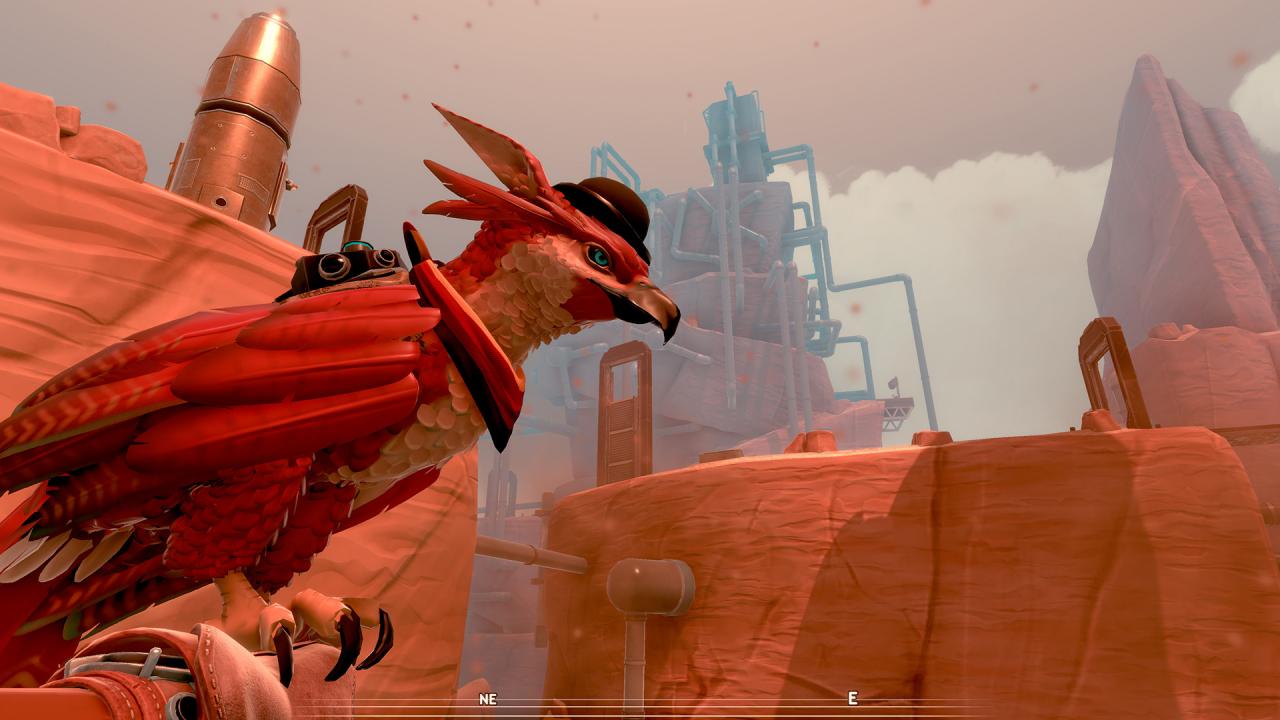
Falcon Age is a first-person, single-player action adventure where you’ll play as Ara in her fight to reclaim her cultural legacy in the lost art of falcon hunting against a force of automated colonizers. The game starts on a dying colony planet with its culture destroyed, resourced depleted, and turned into a desert by machine invaders. Ara’s been wrongfully thrown in jail for a minor infraction. While she awaits her fate in a lonely cell, she passes the time by befriending a young falcon. Together they escape and set off on an adventure to help the resistance reclaim their freedom and drive off the invaders. Features Take back your life: Rebel against robot colonizers and reclaim your culture. Bond with a bird companion: Name, pet, feed, teach, and dress up your falcon. Hunt with your falcon: Various animals roam the land and can be hunted for precious materials. Craft falcon snacks: Farm, hunt, and cook snacks to feed, buff, heal and strengthen your falcon. Accessorize your falcon: Make your falcon look dreamy with different hats and scarves. -also equipment for gameplay like sonar and armor. Fight robot colonizers: Use your trusty stun baton to fight off drones and robots with the help of your falcon. Reclaim your land: Take back multiple locations from the colonizing faction and rebuild your community. Imprint Mode: Play the story mode with optional combat. Dedicated pet button: Give and take items, high-five, fist bump, and sooth your falcon. Has optional PC VR support fur a fully immersive experience.
Activation
- Go to: http://store.steampowered.com/ and download STEAM client Click "Install Steam" (from the upper right corner) Install and start application, login with your Account name and Password (create one if you don't have).
- Please follow these instructions to activate a new retail purchase on Steam: Launch Steam and log into your Steam account.
- Click the Games Menu.
- Choose Activate a Product on Steam...
- Follow the onscreen instructions to complete the process.
- After successful code verification go to the "MY GAMES" tab and start downloading.
The key is sent to your e-mail and appears in My account → Orders right after payment.
System requirements
- OS
- Windows 10 (64 Bit)
- Processor
- Intel Core i5 @ 3.5GHz or AMD FX 6 Core
- Graphics
- Nvidia GeForce GTX 970 or AMD R9 290X
- DirectX
- Version 11
- Storage
- 5 GB available space