
Halo Wars 2 EU XBOX One / Xbox Series X|S CD Key
61 in stock
| Developers | The Creative Assembly |
|---|---|
| Publishers | Microsoft Studios |
| Genres | Action, Adventure, RPG, Simulation, Story rich, Strategy |
| Platform | Xbox One |
| Languages | English |
| Release date | 2017-02-21 |
| Age rating | PEGI 16 |
| Metacritic score | 79 |
| Region | Europe (EU) |
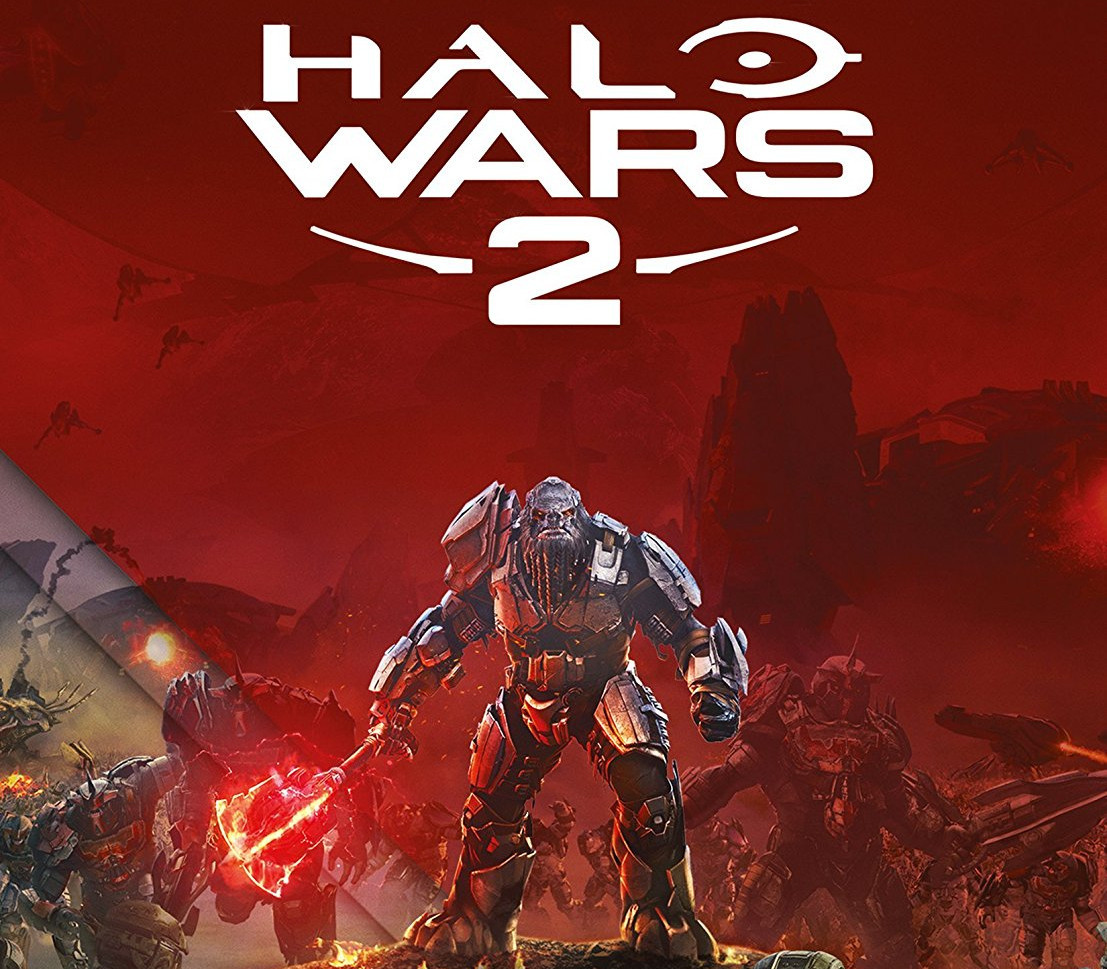
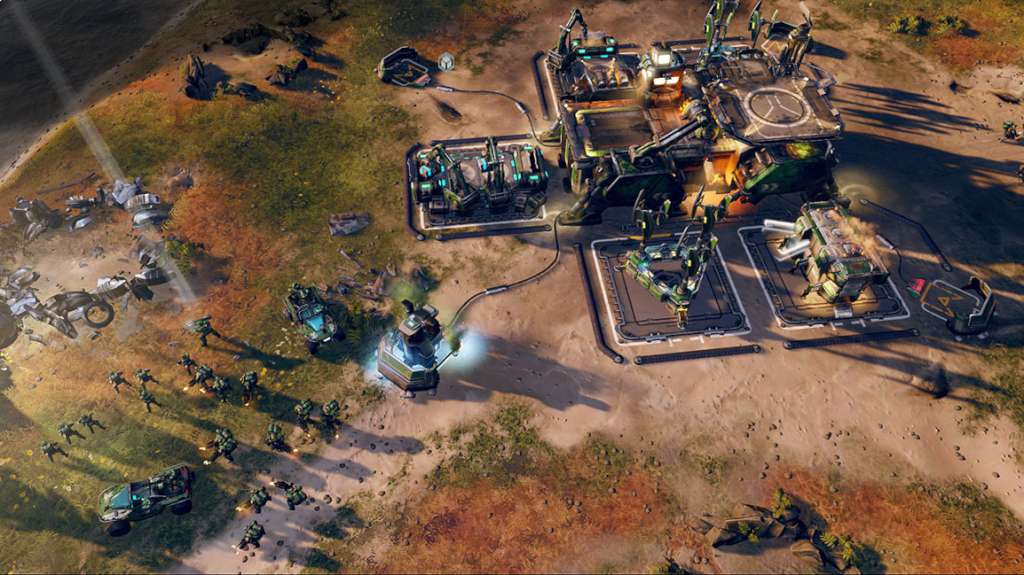
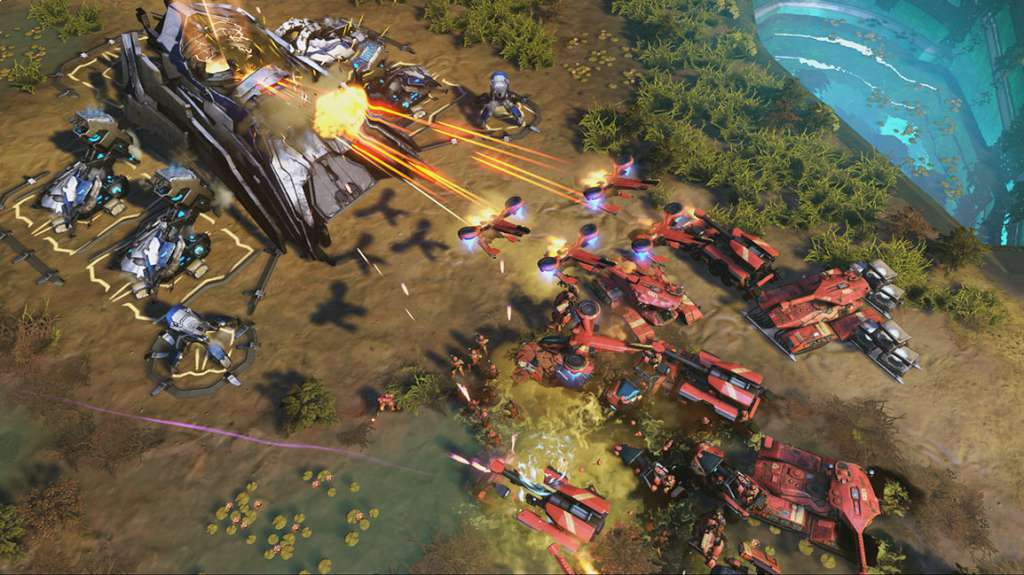
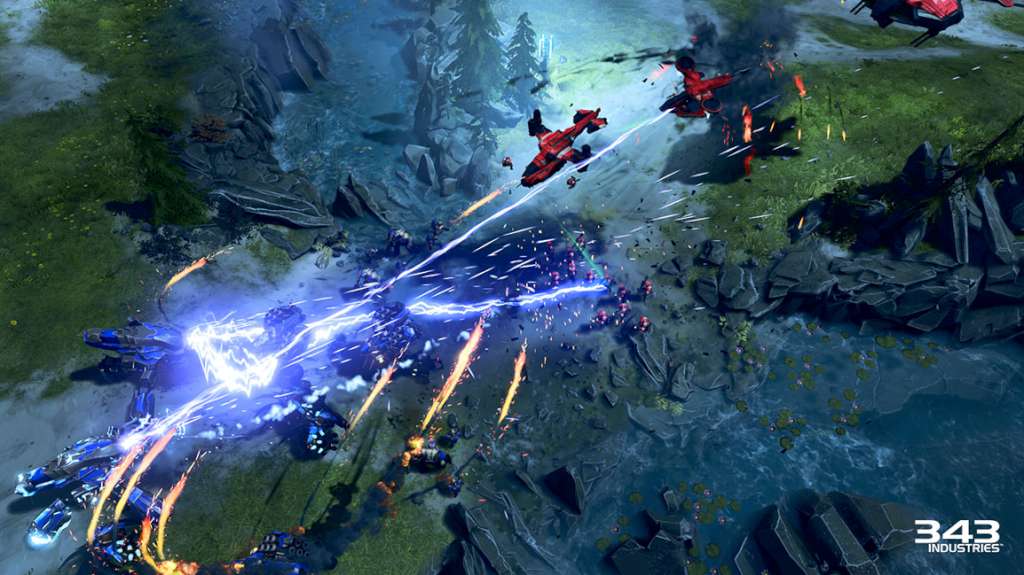
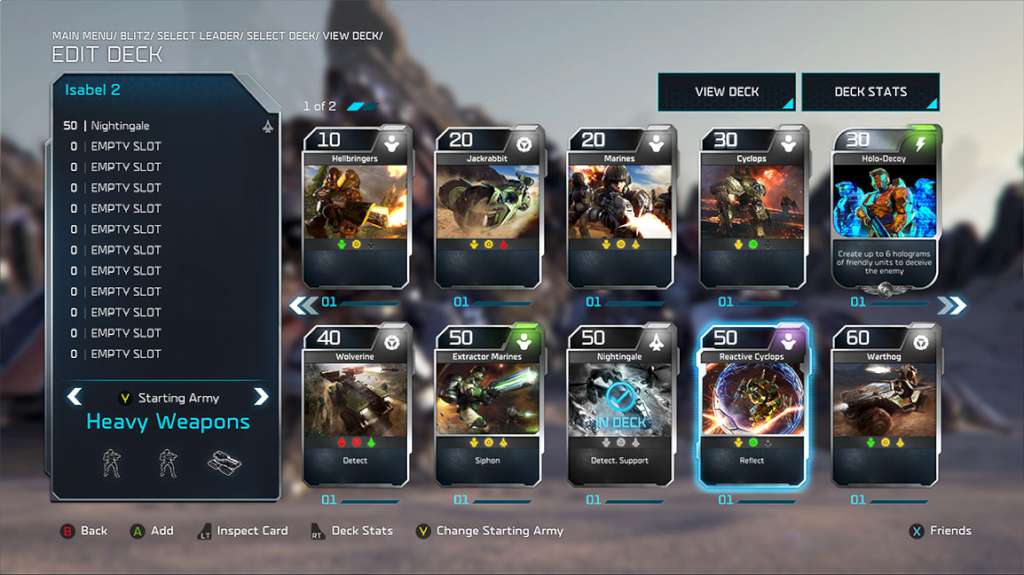
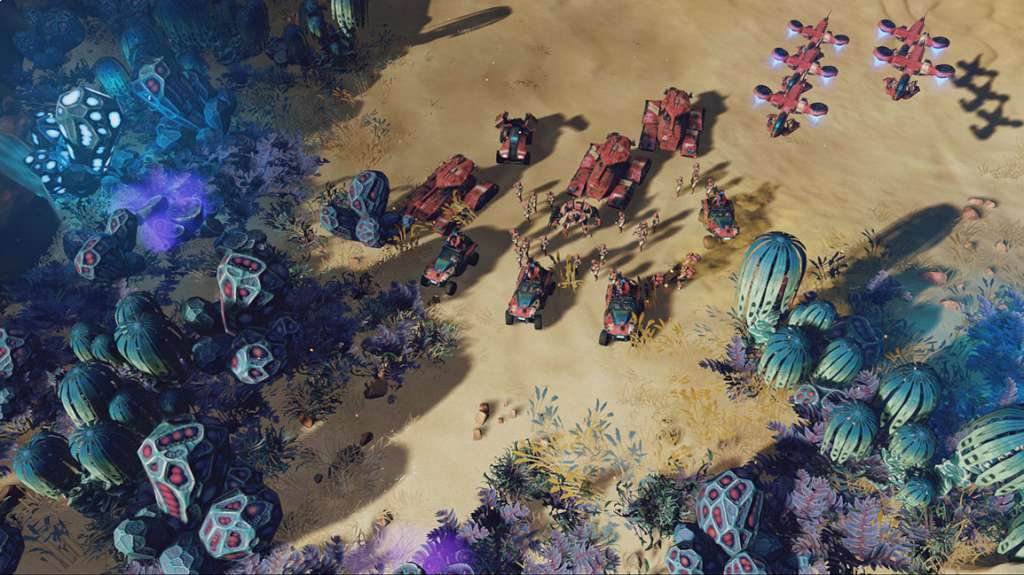
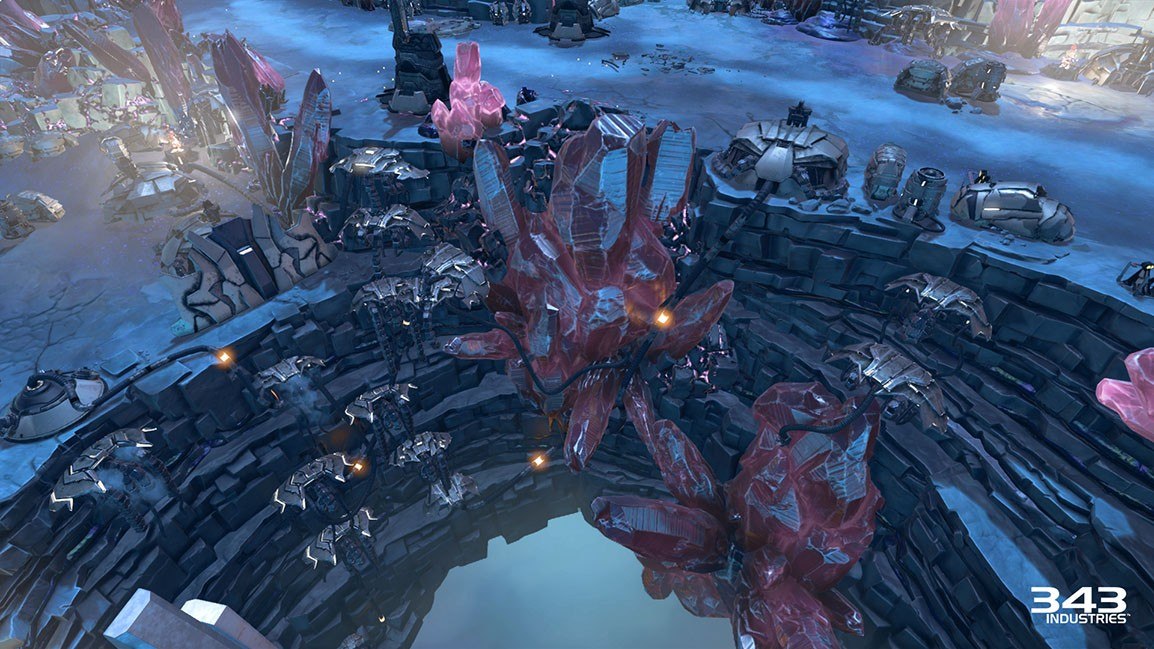
Real-time strategy makes an explosive return to the Halo universe in Halo Wars 2. Lead Spartans, Warthogs and other classic Halo fighting forces in a brutal war against a terrifying new enemy on the biggest Halo battlefield ever. Features Action-packed Story – The heroes of Halo Wars return to find themselves – and the galaxy – in more danger than ever. Following the events of Halo 5, the all-new story is told in action-packed missions set on the legendary Halo destination known as the Ark. Players will strategically command overwhelming firepower in large-scale battles against a terrifying threat facing the UNSC and all of humanity. Build Your Halo Army – Construct your bases, prepare your vehicles and amass your troops. Lead them into huge battles that span across alien environments in a vast collection of campaign and multiplayer maps. Multiplayer Warfare – Play with or against your friends and the XBOX Live community in up to 3v3 matches. All-new units with explosive firepower, Leaders with special abilities that help to turn the tide in battle and thrilling multiplayer modes are at your fingertips as you wage war on a variety of maps. Blitz: Instant Command – Blitz is an entirely new way to experience Halo Wars and real-time strategy gameplay. Combining tactical combat with card-based strategy, your deck is your army in Blitz as you build collections of powerful Halo vehicles and troops and command those units in fast-action matches online or solo against waves of enemies.
Activation
- In order to use the key follow the instruction below: Go to https://www.xbox.com Login to your account Hover over your account link (the top right of the screen) a menu will appear, click on the "Redeem Code" button.
- On the next page, click "Redeem" Enter your code Click "Confirm" Click "Confirm" again to assign the key to your account.
- In order to download and install your game on Windows 10 follow the instructions below: Using your Microsoft account, sign in to the PC where you want to install your games.
- On the Start screen, select the Store icon.
- In the Store, select Games from the menu.
- Browse and select the game you want to install.
The key is sent to your e-mail and appears in My account → Orders right after payment.