


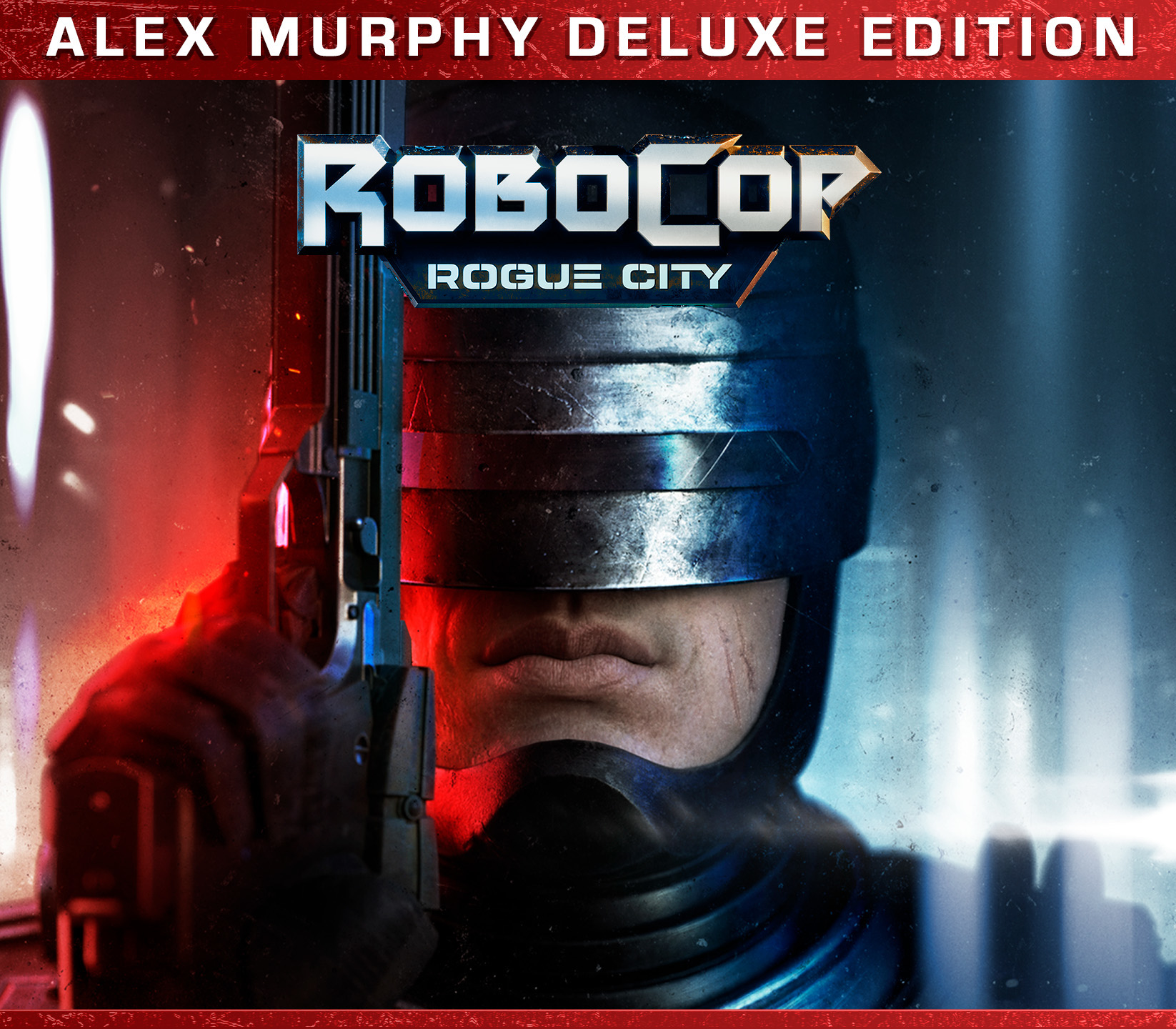



How to activate
Activation
- FROM A WEB BROWSER: Go to this website.
- Log into your Microsoft Account.
- Enter the key and click Next.
- Follow the prompts.
- IN THE MICROSOFT STORE ON WINDOWS: Press the Start button , and then enter store into the search bar.
- Choose Microsoft Store from the results to open the app.
- Select your account in the top-right corner of the screen, and then select Redeem code or gift cards.
- Enter the 25-character code, select Next, and then follow the prompts.
- ON XBOX ONE AND XBOX SERIES X|S: Press the Xbox button to open the guide, and then select Store.
- Press the View button to open the side menu, and then select Redeem.
- Enter the 25-character code, select Next, and then follow the prompts.
- ON XBOX 360: Press the Guide button on your controller.
- Select Games & Apps, and then select Redeem Code.
- Enter the 25-character code, and then follow the prompts to complete your redemption.
- Please note that Xbox 360 codes can ONLY be activated on the Xbox 360 console directly!
The key is sent to your e-mail and appears in My account → Orders right after payment.
Before you buy
System requirements
- OS
- Windows 10 / Windows 11
- Processor
- AMD Ryzen 5 3400G / Intel Core i5-9400, or better
- Memory
- 8 GB RAM
- Graphics
- AMD Radeon RX 5500 (4GB) / NVIDIA GeForce RTX 1060 (4GB), or better
- DirectX
- Version 12
- Network
- Broadband Internet connection
- Storage
- 20 GB available space
- Additional Notes
- Minimum requirements are not final and are subject to change.
Windows
Watch
Trailer
More like this
You may also like

Steam
EU
Steam
EU
Euro Truck Simulator 2
10,29 €
Saints Row IV
Original price was: 9,16 €.8,60 €Current price is: 8,60 €.

Steam
EU

Steam
EU
ARMA 3 Digital Deluxe Edition
27,03 €